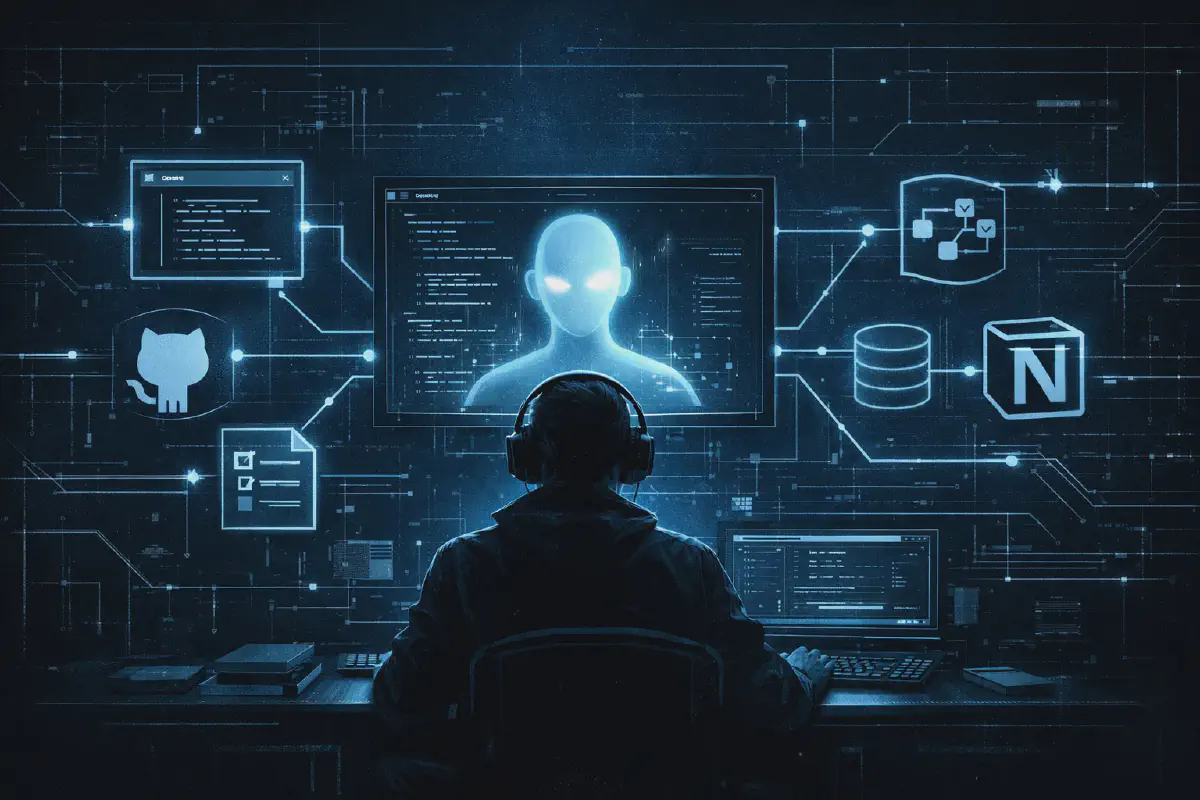

Most AI tools are built for developers. Copilots that autocomplete code, agents that write tests, assistants that debug errors. But PM work - tracking roadmaps, writing specs, querying issues, synthesizing meeting notes - is just as ripe for AI assistance. The challenge is that PM work spans so many tools: GitHub for issues, Notion for docs, spreadsheets for prioritization, Slack for context. No single AI tool connects them all.
Until I started doing my PM work in Claude Code.
Why Claude Code for PM?#
Claude Code is Anthropic’s CLI-based AI coding assistant. It runs in your terminal, which might seem like an odd choice for a PM… But hear me out. First, it lives where I spend a relevant chunk of my time. I’m constantly in the terminal - running git commands, checking deployments, tailing logs when debugging with engineers. Having Claude available in the same context means I don’t context-switch between tools for some of those use-cases.
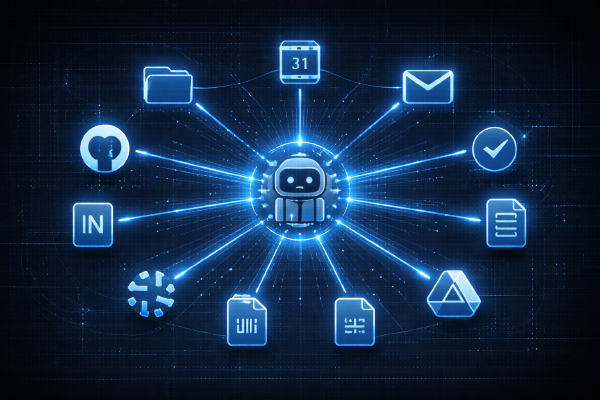
Second, the MCP (Model Context Protocol) system allows Claude Code to connect to external tools. GitHub, Notion, Linear, Slack - if there’s an MCP server for it, Claude Code can query it. This turns a simple AI assistant into an actual workflow hub.
Third, if there’s no MCP server, I can still use shell commands to connect to any tool with a CLI. The GitHub CLI (gh) is perfect for PM work. Claude can run gh commands to list issues, view details, create new items, and more. This gives me read and write access to my GitHub issues directly from Claude.
Forth, the CLAUDE.md file gives Claude persistent context about how I work. My conventions, my templates, my preferences. Every conversation starts with Claude already knowing my workflow.
And finally, the permissions system keeps everything safe. I control exactly which commands Claude can run, which APIs it can call. No surprises.
The Setup#
My PM workspace is a simple repo structure:
pm-workspace/
├── CLAUDE.md                # Workflow conventions and templates
├── .claude/
│   └── settings.local.json  # Permissions and MCP config
├── docs/                    # Strategy docs, analysis, specs
├── data_reports/            # Manually exported analytics data
└── roadmap.md               # Living roadmap document
The philosophy is documentation-first, with GitHub as the source of truth for execution - that’s what my team uses for tracking work, it wouldn’t be much different for Jira, Notin, Linear, etc. The repo contains my working docs - strategy documents, analysis write-ups, anything I want Claude to have context on. GitHub holds the actual issues and project tracking. Notion has the longer-form knowledge base. And when I need analytics context, exported data lives in data_reports/.
The CLAUDE.md file is where the magic happens. It contains my conventions:
# PM Workflow

## Source of Truth
- **GitHub:** All epics and issues live in the main repo
- **Notion:** PRDs, meeting notes, decision logs
- **Local docs:** Strategy documents in `/docs/`
- **Data:** Exported analytics in `/data_reports/`

## Conventions
- Epics use the `Epic` issue type
- Streams are tracked via labels
- Quarterly goals tagged with `Q1-2026`, `Q2-2026`, etc.

## Useful Commands
- List open epics: `gh api graphql -f query='...'` (full query below)
- View epic details: `gh issue view <number>`
- Sync roadmap: Pull latest epic status and update roadmap.md

## Templates
When creating roadmap items, use this structure:
- Problem: What user problem are we solving?
- Solution: High-level approach
- Success metrics: How do we know it worked?
- Dependencies: What blocks this?

## Documentation Index
| File | Description |
|------|-------------|
| `docs/strategy.md` | Product strategy and vision |
| `docs/analysis.md` | Research and data analysis |
This file loads automatically every time I start Claude Code in this directory. Claude already knows how I name things, where to find information, and what format I expect.
Connecting the Tools#
GitHub CLI Integration#
The GitHub CLI (gh) is the backbone of my setup. Claude Code can run shell commands, so I configure permissions to allow specific GitHub operations:
{
  "permissions": {
    "allow": [
      "Bash(gh issue list*)",
      "Bash(gh issue view*)",
      "Bash(gh issue create*)",
      "Bash(gh project*)",
      "Bash(gh api*)"
    ]
  }
}
This grants Claude read and write access to issues and projects, but nothing else. No pushing code, no managing releases, no touching anything outside the PM workflow.
With this setup, I can ask Claude things like:
- “Show me all open epics for Q1”
- “What’s the status of the authentication epic?”
- “Create a new issue for the dashboard redesign”
- “List all issues blocking the mobile release”
- “Any open comments from the team that I need to address?”
Claude translates my natural language into the right gh commands, runs them, and summarizes the results. For more complex queries, it can use the GitHub GraphQL API:
gh api graphql -f query='
  query {
    repository(owner: "myorg", name: "myrepo") {
      projectV2(number: 1) {
        items(first: 50) {
          nodes {
            content { ... on Issue { title state } }
            fieldValues(first: 10) { nodes { ... on ProjectV2ItemFieldSingleSelectValue { name } } }
          }
        }
      }
    }
  }
'
I don’t have to remember this syntax. I just ask “what’s in the Q1 project board?” and Claude figures out the query.
Notion MCP#
For longer-form docs - PRDs, meeting notes, decision logs - I use Notion. Claude Code supports MCP servers, which are external services that extend its capabilities. The Notion MCP server gives Claude read access to my workspace:
{
  "mcpServers": {
    "notion": {
      "type": "url",
      "url": "https://mcp.notion.com/sse"
    }
  }
}
With this connected, I can ask Claude to search my Notion workspace for context. “What did we decide about the pricing model?” or “Find the PRD for user notifications” or “Summarize the last three product syncs.”
The power is in the combination. Claude can query GitHub for issue status, then cross-reference with Notion docs for context, then help me draft an update that references both. One tool, multiple sources.
The Workflow in Practice#
Here’s what a typical day looks like:
Morning prep. I open Claude Code and ask: “What issues were closed yesterday? Any new bugs filed?” Claude queries GitHub, summarizes the activity, and I’ve got my standup talking points in thirty seconds.
Roadmap sync. “Sync the roadmap from GitHub - get the latest status on all open epics.” Claude runs the GraphQL query from my CLAUDE.md, pulls current state, assignees, and milestones, then updates roadmap.md with fresh data. The roadmap doc stays in sync with GitHub without me manually checking each issue.
Strategy context. “What’s our approach on the platform infrastructure work?” Claude reads the relevant strategy doc from my docs/ folder and summarizes the key points. When I need to reference a decision or remind myself of the reasoning behind a direction, it’s instant.
Data analysis. I export a CSV - user engagement metrics for the last quarter - and drop it in data_reports/. “Analyze the engagement data and summarize the trends.” Claude reads the file, identifies patterns, and drafts observations. Not as seamless as a direct integration, but it works.
Writing specs. I start with a rough idea: “I need a roadmap item for the new onboarding flow.” Claude knows my template from CLAUDE.md, so it asks the right questions - what’s the problem, who’s affected, what’s the scope - and drafts a structured doc. I edit, refine, and when it’s ready, tell Claude to create the GitHub epic.
Searching for context. “What did we decide about rate limiting?” Claude searches Notion for meeting notes and decision docs, finds the relevant discussion, and summarizes the outcome. No more digging through months of notes.
End of week. “Draft a summary of what shipped this week for the stakeholder update.” Claude queries closed issues, groups them by stream, and drafts a readable summary. I review, tweak the framing, and send.
The templates in CLAUDE.md ensure consistent output. When I ask for a roadmap item, it always follows the same structure. When I ask for a weekly summary, it always includes the same sections. Consistency without the tedium.
What’s Still Missing#
The setup isn’t complete. Some gaps I’m actively working around:
Data tools. I live in Looker and Sigma for analytics - usage metrics, funnel data, cohort analysis. There’s no MCP for either. When I need Claude to help analyze data or write a summary that includes metrics, I manually export CSVs to a data_reports/ folder in my workspace. It works, but it’s friction. Every time I want fresh data, I’m back in the browser clicking export buttons.
Google Docs. A lot of cross-functional work happens in Google Docs - shared specs, collaborative PRDs, comments from stakeholders. No MCP there either. Same workaround: export to markdown or PDF, drop it in the workspace. Claude can read it, but it’s a snapshot, not a live connection.
Task management. Not everything is a roadmap epic. I have personal todos - “follow up with design on the mockups,” “review the API proposal,” “prep questions for the customer call.” These don’t belong in GitHub issues. I’m still figuring out the right way to track these. Right now they live in a simple markdown file, but I’d love a tighter integration - maybe a Linear or Todoist MCP that Claude could query and update.
The MCP ecosystem is growing fast. Slack, Linear, calendar integrations are all emerging. But for now, the manual export workflow is a necessary bridge for tools that don’t have native connections yet.
What’s Working#
The read-heavy workflows are where Claude shines. Querying issues, searching docs, summarizing status - these used to take me ten minutes of clicking around, now they take thirty seconds. The write-heavy workflows need more human judgment. Claude can draft a spec, but I still need to think through the strategy.
The combination of GitHub + Notion + local docs covers most of my daily work. When I need analytics context, the manual export adds a step, but once the data is in the workspace, Claude handles it well.
The bigger picture is AI as PM co-pilot, not replacement. Claude doesn’t make product decisions. It doesn’t talk to customers or negotiate with stakeholders or feel the intuition that something is off. But it handles the mechanical parts of the job - the querying, the formatting, the searching, the drafting - so I can focus on the parts that actually require human judgment.
If you’re a PM curious about AI tools, give Claude Code a try. Set up a simple workspace, connect GitHub, add your conventions to CLAUDE.md, and see how it fits your workflow. It’s not about replacing your existing tools. It’s about adding a layer of intelligence that connects them together.
And if you build something interesting, share your setup. I’d love to see how other PMs are using this.
Update: I’ve since closed the biggest gap mentioned above - data access. In chapter two, I cover how adding the Snowflake CLI gave Claude direct access to our data warehouse, turning ad-hoc retention analysis from a half-day project into a ten-minute conversation.