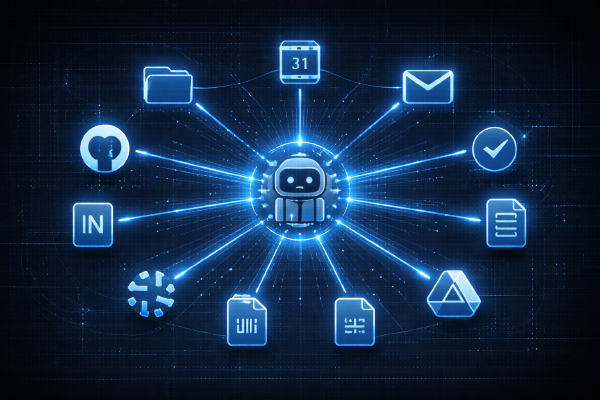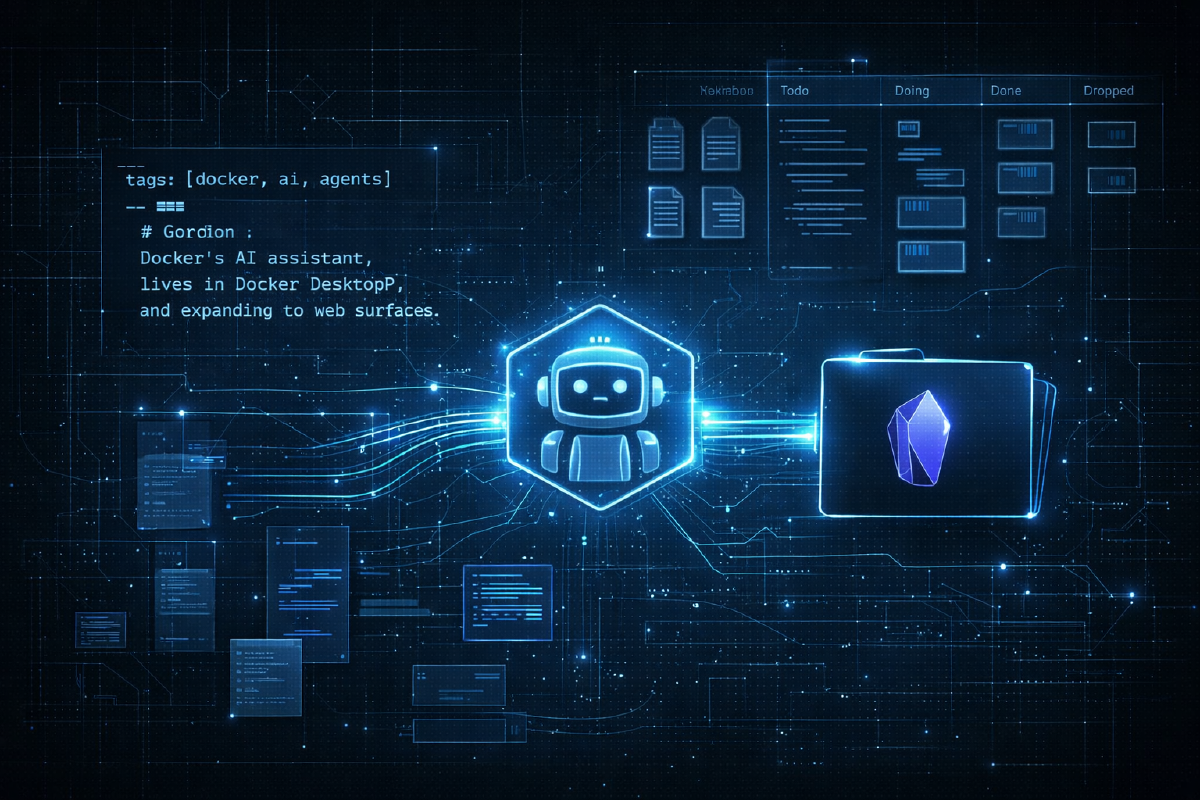

At the end of chapter three, I called the setup “god mode.” Claude Code could reach into GitHub, Notion, Snowflake, Google Workspace, and Slack - all from one terminal. Five integrations, five data sources, answers in seconds instead of hours. Access to everything.
But every conversation started from zero.
The insights Claude surfaced in one session didn’t carry into the next. The connections it made between a Slack thread and a pricing doc vanished when the conversation ended. I could ask Claude to find anything, but it couldn’t remember what it had already found. The gap wasn’t more tools. It was making knowledge accumulate - building a layer where every new piece of information connects to everything that came before it.
That’s what this chapter is about. Not another integration. A second brain.
Why Obsidian#
Obsidian is a note-taking app built on plain markdown files. No proprietary format, no cloud database, no vendor lock-in. Your vault is just a folder on disk - open it in any text editor and everything is right there.
What makes it interesting for this use case is the combination of features that sit on top of those files. Wikilinks ([[like this]]) let you connect any note to any other note with zero friction. A graph view visualizes those connections. YAML frontmatter gives you structured metadata on every note. A plugin ecosystem adds everything from kanban boards to database views. And with iCloud sync, the whole vault is available on your phone.
Critically: there’s no API to configure. No OAuth dance, no MCP server, no auth tokens. It’s a folder of markdown files on your local filesystem. Claude Code already has filesystem access. That’s the whole integration.
The Simplest Integration#
On macOS with iCloud sync, an Obsidian vault lives at:
~/Library/Mobile Documents/iCloud~md~obsidian/Documents/<vault-name>/No MCP server needed. No plugin. Claude already knows how to read and write files. I added a “Knowledge Base” section to CLAUDE.md with the vault path and a note that it’s the primary location for all persistent files. Then I updated the /sync skill to write the roadmap to both the Obsidian vault and the git repo - vault as primary, repo as version-controlled backup.
That’s it. From that point on, every conversation knew where to find and store things. The mechanical part took five minutes.
Vault Structure#
With the connection in place, I set up a folder structure:
| Folder | Purpose |
|---|---|
roadmap/ | Roadmap files synced from GitHub |
meetings/ | Meeting transcripts for search and context |
tasks/ | Personal tasks and to-dos |
docs/ | Strategy docs, analysis, research |
blogs/ | Blog post drafts |
entities/ | Reusable knowledge entities - people, projects, products, initiatives |
The docs/ and blogs/ folders I’d been keeping in the git repo moved into the vault. Same files, but now they’re searchable through Obsidian, linkable via wikilinks, and accessible on my phone through iCloud. One source of truth instead of two.
The Obsidian CLI#
Here’s where it got interesting. Obsidian ships with a built-in CLI at /Applications/Obsidian.app/Contents/MacOS/obsidian. I did what I do with every new tool now - the step-zero pattern from previous chapters: point Claude at it and say “explore this, document what you find in CLAUDE.md.”
Claude went through the command tree, tested subcommands, and mapped out the capabilities. The result: two complementary ways to interact with the vault.
Direct file access handles reads and writes - fast and simple. But the CLI adds structured queries that filesystem operations can’t do:
# Full-text search across the vault
obsidian search "launch plan" --vault nexus

# Find what links to any note
obsidian backlinks "Project Alpha" --vault nexus

# Read/write YAML frontmatter programmatically
obsidian properties get "tasks/review-api.md" --vault nexus

# List and query tags across all notes
obsidian tags --vault nexus

# List and filter tasks
obsidian tasks --vault nexus --status open
Filesystem for speed, CLI for relationships. The combination means Claude can both read a file’s content and understand its place in the broader knowledge graph.
Entities: The Knowledge Graph#
This is the conceptual centerpiece of the whole setup.
The entities/ folder uses a simple convention: each entity gets its own markdown file with YAML frontmatter for metadata and wikilinks for connections. Entity types include people, products, projects, teams, initiatives, and concepts. Each type gets its own subfolder.
Here’s what an entity looks like:
---
type: product
tags: [platform, ai, agents]
---
# Project Alpha

Internal AI assistant. Started as a CLI tool,
expanding to web and desktop surfaces.

Related: [[Platform Team]], [[Desktop App]], [[MCP]]
Simple, but the power is in the network effect. Every wikilink is a bidirectional connection. When I create a meeting note that mentions [[Project Alpha]], it automatically shows up in Project Alpha’s backlinks. When a task references [[Platform Team]], it’s discoverable from the team’s entity page. The graph builds itself.
I created the /entities skill to automate extraction. It scans vault content - CLAUDE.md (team lists), roadmap.md (epics, assignees), meeting transcripts (referenced people), tasks (entity references) - and creates structured entity files for anything it finds.
The first extraction produced 39 entities across six subfolders:
entities/
  _index.md              # Master index
  people/                # 20 people
  products/              # 10 products
  projects/              # 2 active projects
  teams/                 # 1 team
  initiatives/           # 2 strategic initiatives
  concepts/              # 3 technical concepts
When I opened the Obsidian graph view, connections appeared immediately - who works on what product, which initiatives span which teams, which concepts underpin which projects. Information that was always implicit in my documents, now explicit and navigable.
Every new document that enters the vault and uses wikilinks joins this network automatically. The graph gets denser and more useful over time without any maintenance effort.
Task Management and Kanban#
Back in chapter one, I flagged a gap: “Not everything is a roadmap epic. I have personal todos… These don’t belong in GitHub issues.” Three chapters later, I finally closed it.
The system is one file per task, with structured frontmatter:
---
status: todo
priority: high
source: slack
due: 2026-03-20
entities: ["[[Project Alpha]]", "[[Sarah Chen]]"]
---
# Review launch plan feedback

## Description
Review and address Sarah's feedback on the Project Alpha launch plan.

## Output
Updated launch plan with resolved comments.

## Context
From 1:1 with [[Sarah Chen]] on 2026-03-17.
Each task file has a status, priority, source (where the action item came from), due date, and linked entities. The format includes what “done” looks like and where the task originated - enough structure to be useful, not so much that creating a task becomes overhead.
For visualization, I installed the Obsidian Kanban community plugin via the CLI:
obsidian plugin:install id=obsidian-kanban enableFour columns: Todo, Doing, Done, Dropped. Cards are wikilinks to task files, so clicking a card opens the full detail. The kanban board became the daily dashboard I never had - a single view of everything I need to do, sourced from everywhere I work.
Granola: Meeting Transcripts#
The last input source was meetings. I installed Granola - a meeting transcription tool - and the granola-to-obsidian plugin. The pipeline is simple: Granola records and transcribes meetings, the plugin automatically exports transcripts to the meetings/ folder in the vault.
Now every meeting is searchable. Claude can read transcripts, pull out action items, find who said what, and cross-reference discussions with existing entities. A conversation about a product launch in a 1:1 links naturally to the product entity and the person entity. The transcript becomes part of the knowledge graph the moment it lands in the vault.
The real pipeline looks like this: transcripts > entities > tasks > kanban. Meeting happens, transcript appears in the vault, entity references connect it to the graph, action items get extracted into task files, task files show up on the kanban board. Every step is automated or one command away.
Running /pm-task for Real#
This is where everything came together.
The /pm-task skill scans four sources for action items: Slack, Email, Calendar, and Granola meeting notes. It reads recent activity, identifies anything that looks like a task or commitment, presents candidates for review, and creates task files plus kanban cards on confirmation.
I ran it against a normal day’s worth of activity - recent Slack messages, unread emails, today’s calendar, and a couple of Granola transcripts. It pulled out 8 tasks and added them to the kanban board. Each one had the right entity links, source context, and priority. It correctly skipped noise - FYI messages, resolved threads, marketing emails, informational calendar invites. Signal in, noise out.
Four input sources funneled through one skill into structured task files with entity links and kanban visualization. The kind of cross-source task extraction that would take thirty minutes of manual scanning happened in about twenty seconds.
What Changed#
The integrations table now looks like this:
| Tool | Method | What It Does |
|---|---|---|
| GitHub | gh CLI | Issues, epics, project management |
| Notion | MCP | Product specs and documentation |
| Snowflake | snow CLI | Data warehouse queries |
| Google Workspace | gws CLI | Calendar, Docs, Sheets, Gmail |
| Slack | MCP Plugin | Search, read, and send messages |
| Obsidian | Filesystem + CLI | Knowledge graph, tasks, entities, vault |
| Granola | Obsidian plugin | Meeting transcripts |
Seven integrations now. But this chapter wasn’t really about adding two more rows to the table.
What actually changed: a vault path in CLAUDE.md. Two new skills - /pm-task and /entities. Thirty-nine entities extracted and connected. Eight tasks pulled from four different sources. A kanban board that didn’t exist before. And underneath all of it, a knowledge graph that grows denser every time Claude touches the vault.
What’s Next#
Obsidian recently shipped Bases - structured database views that query across notes using frontmatter properties. That could turn the entity system into something closer to a real relational database. I also want to route Claude Code’s own memory files into the vault, so its persistent memory and the knowledge graph merge into one system. And the top item on the kanban board: building the AI-native roadmap prototype.
But the thesis of this chapter isn’t about what’s next. It’s that the gap was never more inputs - it was building the layer that makes all inputs accumulate. Chapters one through three connected Claude Code to the world. This chapter gave it a place to remember what it found.
Access plus memory. That’s the real compound effect.