
Day 10. I asked for a Miro clone. A full infinite canvas with shapes, connectors, layers, and a presentation mode.
The Prompt#
“Build an infinite canvas whiteboard app like Miro. Local-first, TypeScript, HTML5 Canvas.”
That was the starting point. Everything else came from the task breakdown.
How It Was Built#
This one was big. Watchfire split it into 27 tasks. The breakdown covered:
- Shapes and drawing tools (rectangles, ellipses, lines, arrows)
- Freehand pen tool
- Text elements
- Sticky notes with color coding
- Smart connectors between shapes
- Grid and snap-to-grid
- Undo/redo history
- Export to PNG and JSON
- Layers panel
- Color picker
- Zoom and pan controls
- Keyboard shortcuts for everything
- Dark mode
- Welcome screen with onboarding
- Presentation mode
27 tasks is a lot. But they were well scoped. Each one added a specific piece of functionality without breaking what came before.
What I Got#
This thing is surprisingly full-featured.
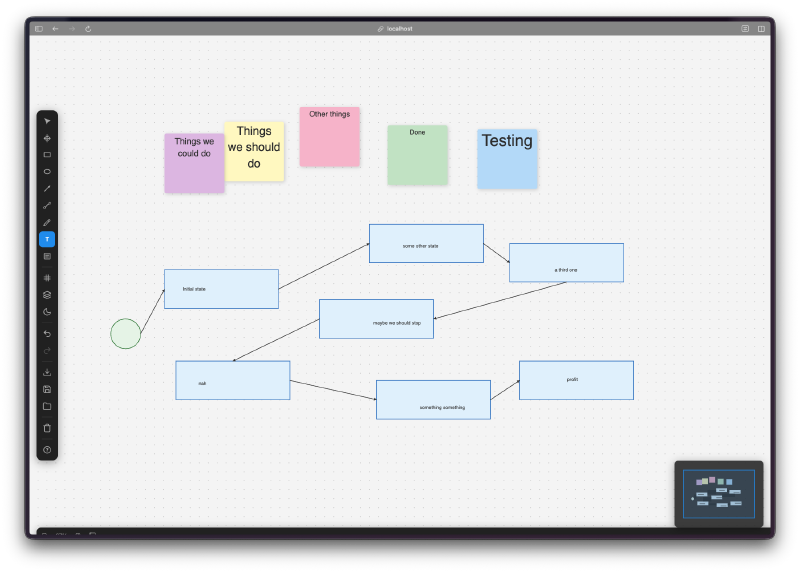
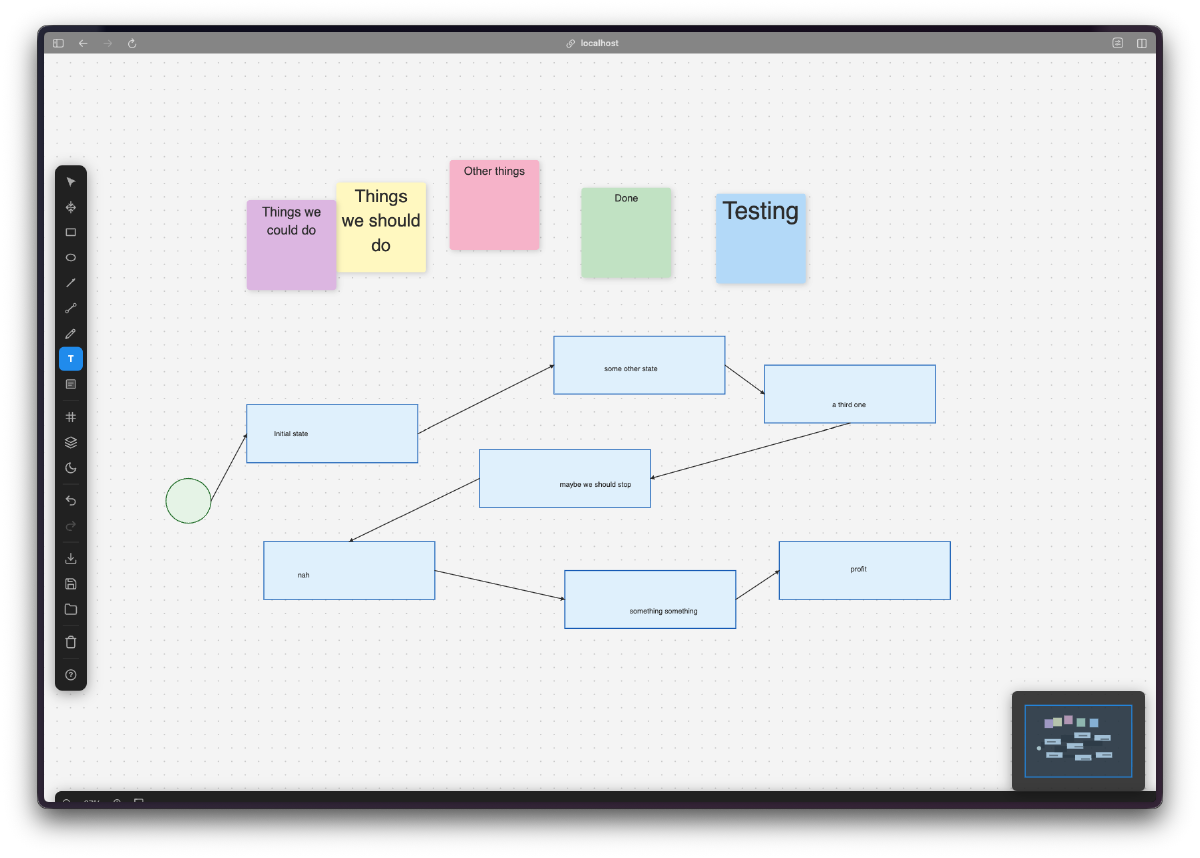
It feels like a real whiteboard tool. You open it up and there’s an infinite canvas with a dot grid. You can pan around, zoom in and out, drop shapes, write text, connect things with arrows. The basic whiteboard loop just works.
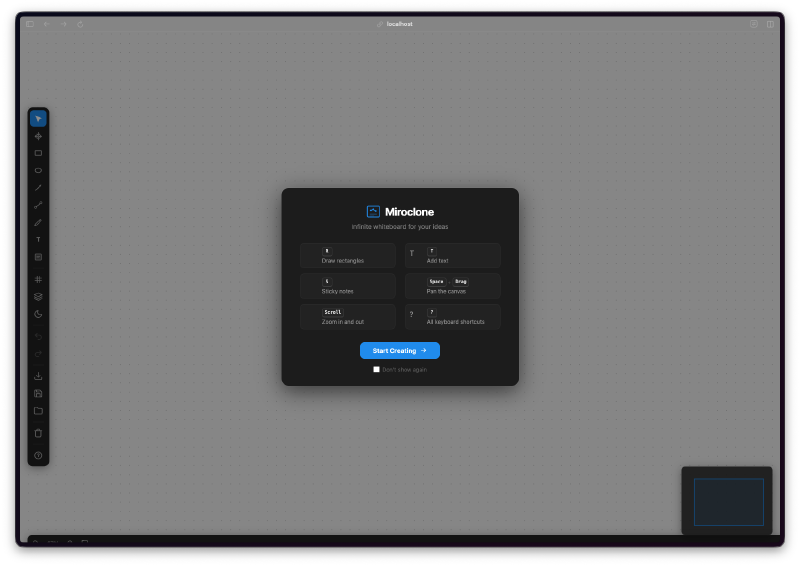
There’s a proper welcome screen. It shows you the keyboard shortcuts and how to get started. You can dismiss it and check a box to not show it again. Small touch, but it makes the app feel finished.
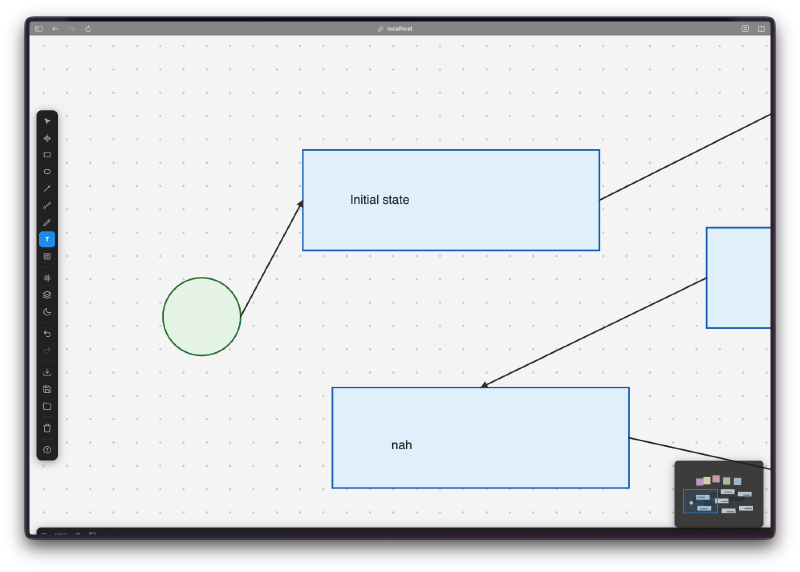
Connectors are smart. You draw a line between two shapes and it snaps to connection points. Move a shape and the connector follows. This is the kind of feature that separates a drawing app from a diagramming tool.
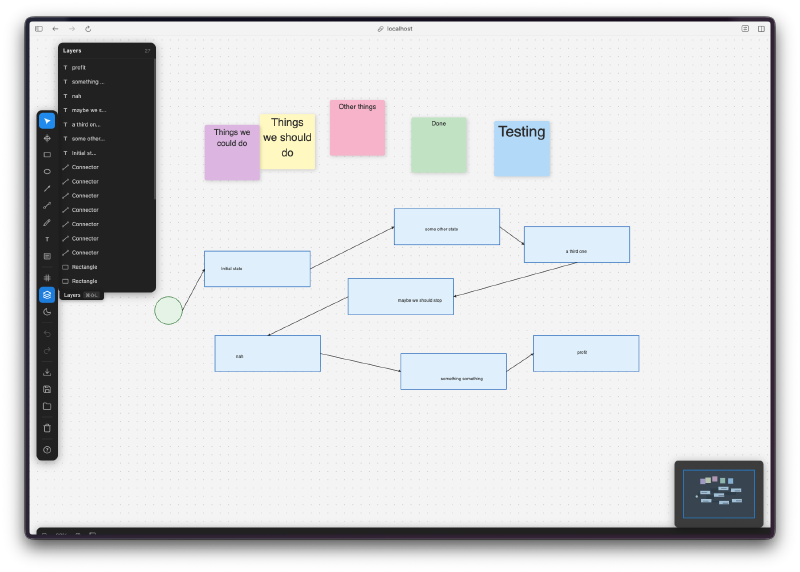
The layers panel actually works. Every element shows up in a sidebar list. You can see the hierarchy, reorder things, and manage what’s on top of what. It’s like a mini Figma layers panel.
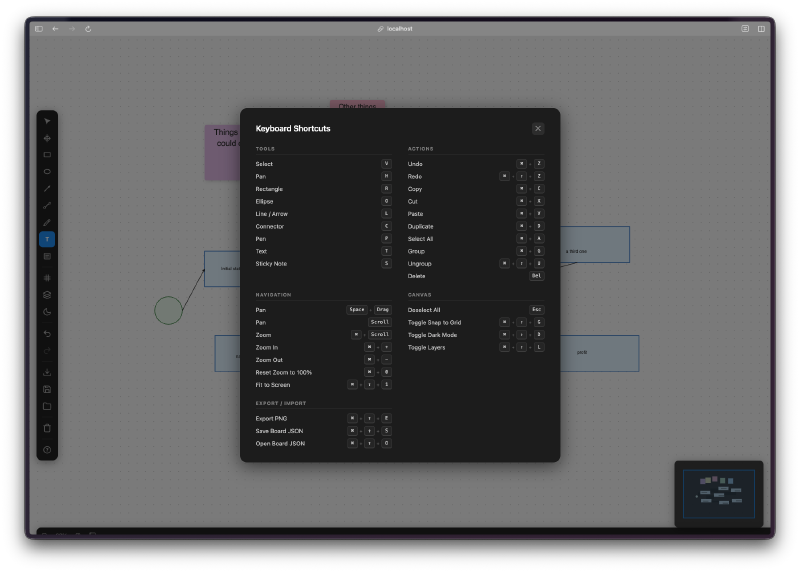
Keyboard shortcuts for everything. V for select, R for rectangle, O for ellipse, P for pen, T for text, S for sticky note. Plus all the standard stuff like Cmd+Z for undo, Cmd+Shift+Z for redo. There’s a full shortcuts overlay you can pull up with ?.
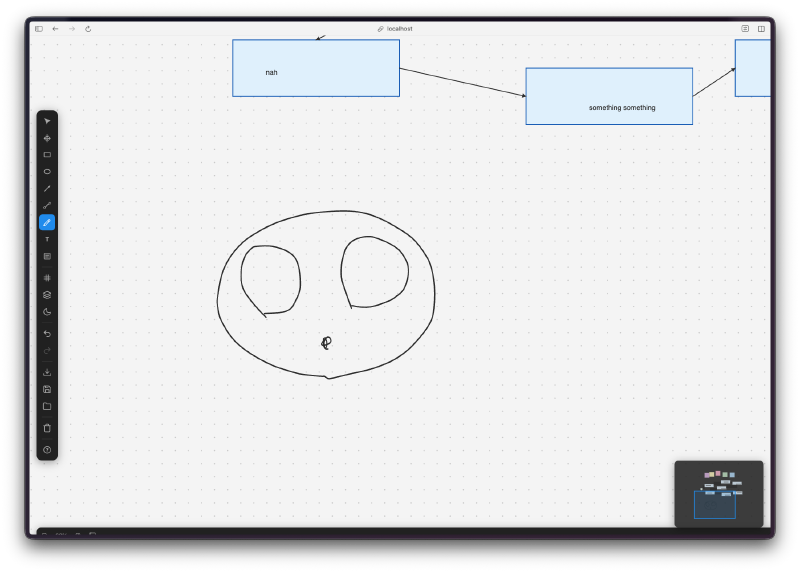
The pen tool is smooth. I drew a face just to test it. The strokes feel responsive and natural. Not pressure-sensitive or anything fancy, but good enough for sketching ideas during a brainstorm.
The Bug Reports#
This one was relatively clean. With 27 tasks, I expected more issues, but the incremental approach meant each piece was tested before the next one landed. The main things I noticed:
- Sticky notes sometimes overlapped text when you resized them too small
- The minimap in the corner could get out of sync after heavy zooming
- Export to PNG occasionally clipped elements at the canvas edges
Nothing major. The core whiteboard experience was solid from early on.
The Numbers#
- 27 Watchfire tasks from canvas setup to presentation mode
- TypeScript + Vite with HTML5 Canvas rendering
- Full tool suite: select, pan, rectangle, ellipse, line, arrow, connector, pen, text, sticky note
- Dark mode, layers, export, keyboard shortcuts, presentation mode
- Zero external UI libraries. Everything is custom-built on canvas
Try It#
Works best on desktop. Use the keyboard shortcuts for the full experience.
Day 10 Verdict#
This is the first project in the challenge that goes after a complex web service. Miro isn’t a game with self-contained rules. It’s a real product with shapes, connectors, layers, exports, presentation mode, and a whole interaction model that took the original team years to figure out. Cloning it in a day means making choices about what to keep and what to drop.
The biggest choice was the backend. There isn’t one. Everything lives in the browser, persisted to local storage. No accounts, no servers, no database. That’s a deliberate constraint I’m holding across the early projects in this challenge — keep things local, ship faster, avoid the complexity of standing up infrastructure for every demo. It works here because a whiteboard doesn’t need to be multiplayer to be useful. It will hit a wall eventually. Real-time collaboration, cloud sync, sharing a board with someone else by URL — none of that is possible without a backend. We’ll get there in a future project.
What stands out is the architecture. The codebase is split into clean modules for input handling, rendering, state management, tools, and UI. Each tool is its own module. The state management handles history for undo/redo. It’s not a hacky prototype, it’s a properly structured app.
Could it replace Miro? No. But as a local-first sketching and diagramming tool, it’s surprisingly usable. I found myself actually laying out ideas on it instead of just testing it.
A third of the way through the challenge. The scope of what fits in a single day keeps expanding.
This is day 10 of 30 Days of Vibe Coding. Follow along as I ship 30 projects in 30 days using AI-assisted coding.