
Day 19. I wanted something fun and interactive for live events. The kind of thing you throw up on a projector at a meetup and let people send reactions from their phones.
The Prompt#
“Build a live reaction wall for events. Create an event, share a link or QR code, and reactions fly across the screen in real time. Emoji bar at the bottom, text messages too. Full-screen projection mode. Firebase for real-time sync.”
How It Was Built#
Watchfire broke this down into 9 tasks. The first few were foundational: setting up Firebase Realtime Database, event creation flow, and anonymous auth so nobody needs to sign up. Then came the emoji reaction bar, the animated flying reactions using Framer Motion, the full-screen display mode for projectors, sound toggle, and a final polish pass.
The real-time part was the core challenge here. Every reaction needs to show up instantly on every screen viewing that event. Firebase Realtime Database handles that out of the box, but there’s a lot of nuance in making it feel good. The reactions use a 30-second sliding window so old ones disappear, and there’s rate limiting at 1 reaction per second to keep things from getting out of hand.
What I Got#
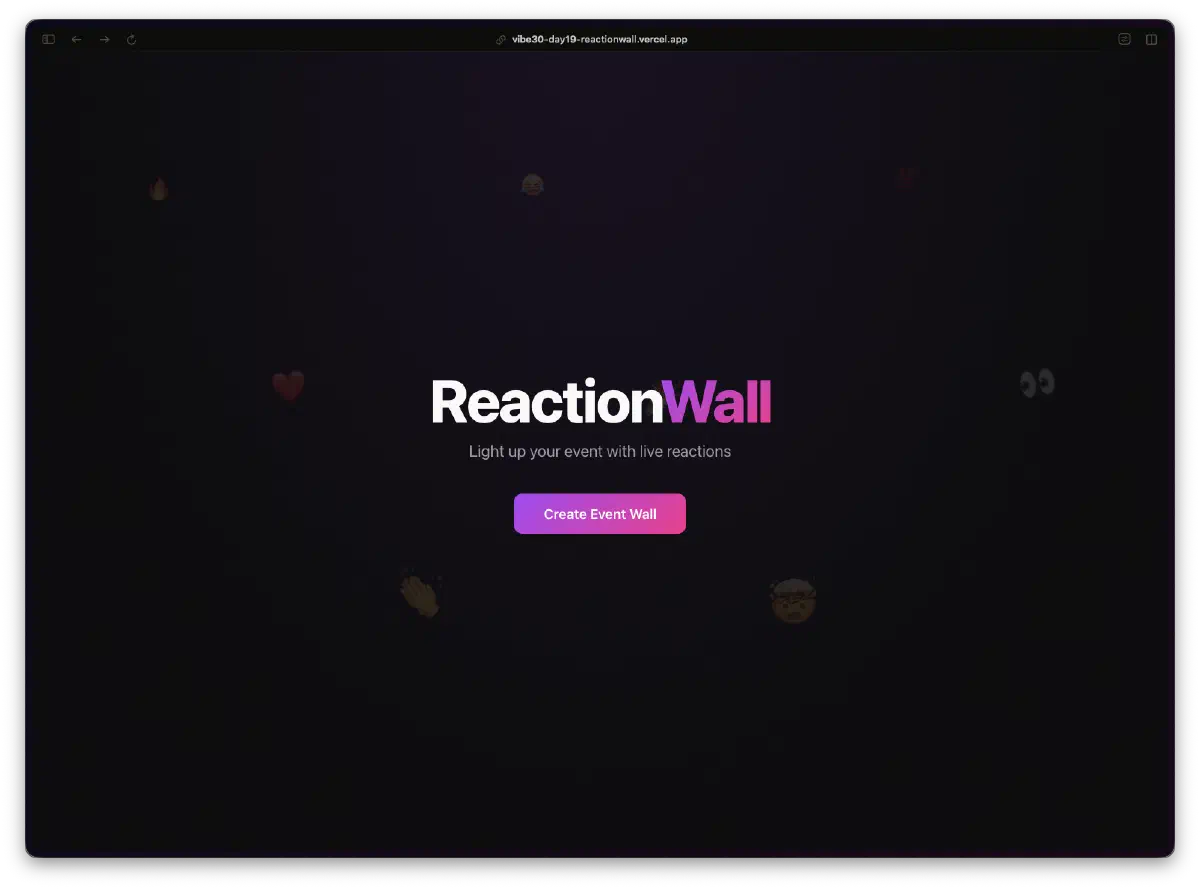
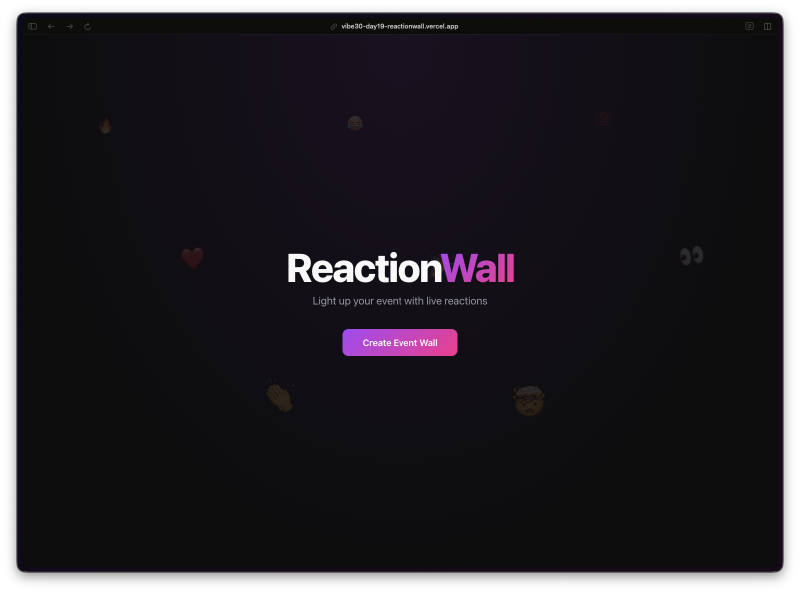
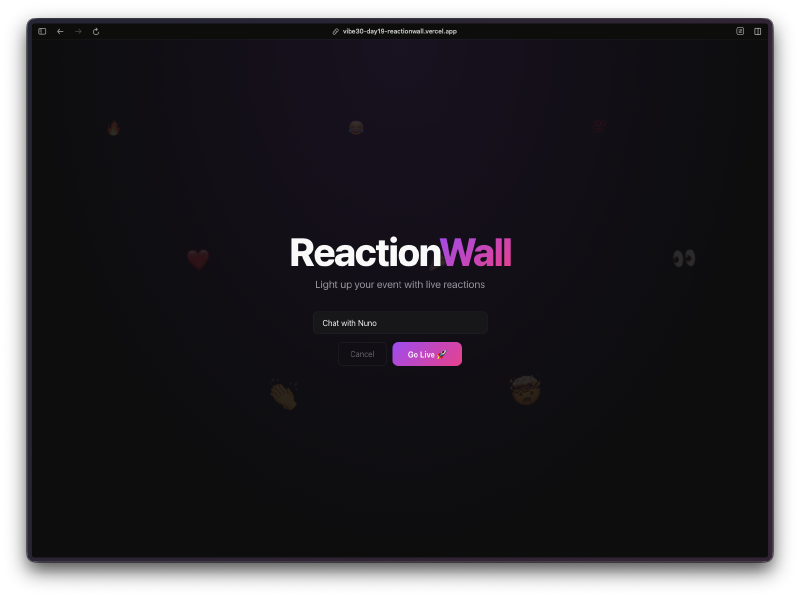
The landing page is clean and dark. One button to create an event wall.
You name your event and hit “Go Live.” That’s the entire setup.
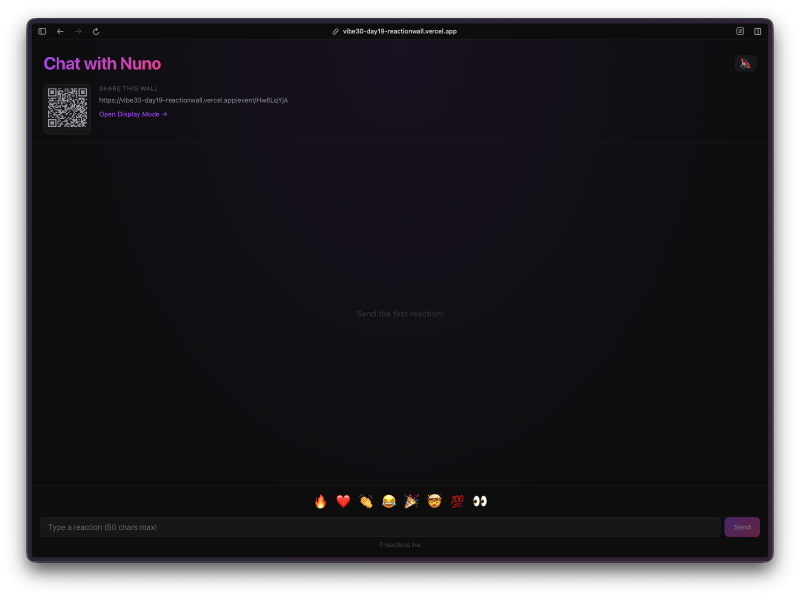
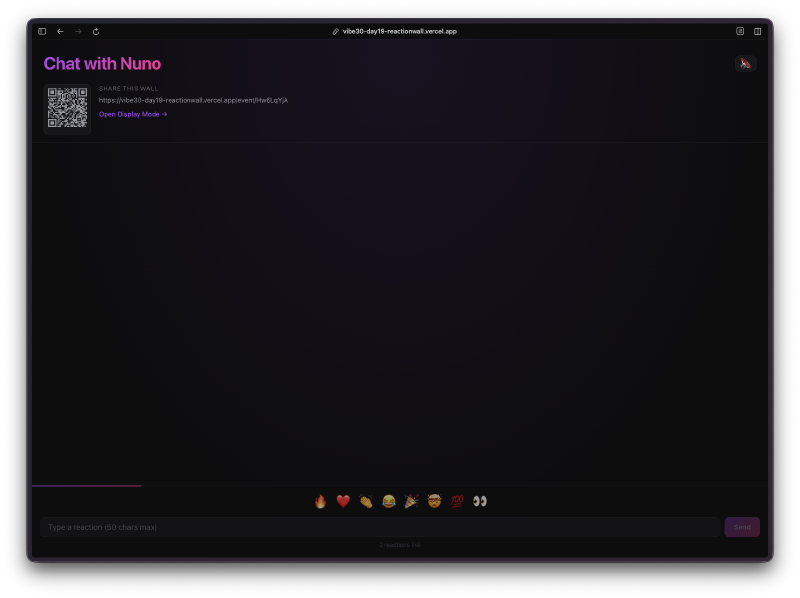
Once you’re in, you get a QR code and shareable link in the top left so attendees can join instantly from their phones. The bottom of the screen has an emoji bar with 8 options plus a text input for custom messages up to 50 characters.
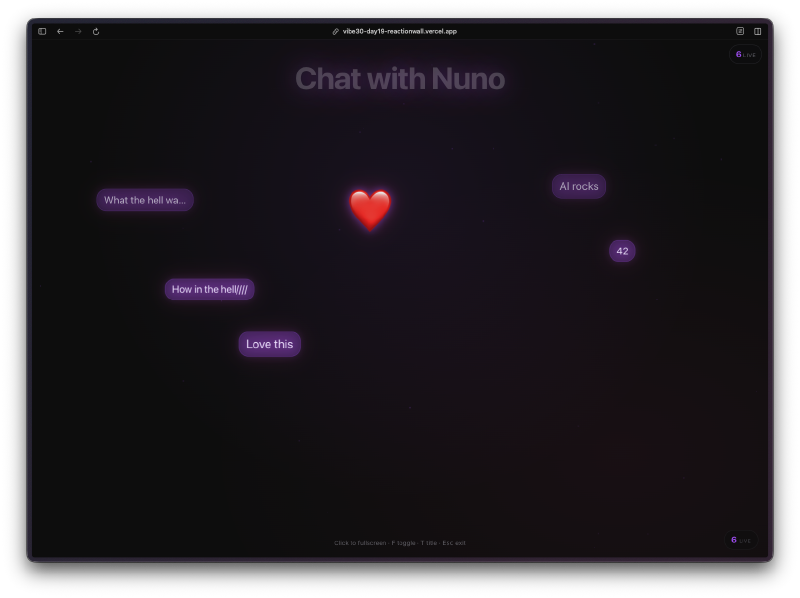
The display mode is where it gets fun. Full screen, dark background, reactions flying across with glow effects. The emojis have randomized trajectories, sizes, and a wobble animation. Text messages float across too in little purple bubbles. When people start spamming reactions, there’s a burst effect that kicks in.
There are nice touches I didn’t explicitly ask for. Haptic feedback on mobile when you send a reaction. Pop sounds via the Web Audio API with a toggle to turn them off. A cooldown indicator so you know when you can send again after the rate limit.
The Tech#
- React 19 with TypeScript and Vite
- Firebase Anonymous Auth plus Realtime Database
- Framer Motion for all the flying animations
- QRCode.react for the shareable QR codes
Framer Motion is doing the heavy lifting on the visual side. Each reaction gets its own animation with random parameters for trajectory, rotation, and scale. The result is that no two reactions look the same when they fly across the screen.
Try It#
Create an event, open the link on your phone, and start sending reactions to yourself. It’s more satisfying than it should be.
Day 19 Verdict#
This is one of those projects where the real-time aspect makes it feel alive. Static apps are fine, but there’s something about seeing reactions pop up the instant someone taps their phone that makes it feel like a real product. Firebase handled the sync layer, Framer Motion handled the animation layer, and the whole thing came together in a way that actually works for a live event.
The QR code sharing, the full-screen display mode, the fact that nobody needs to install anything or create an account. For a meetup or conference talk, this does the job. Not production-grade, but good enough to throw up on a projector and get the crowd going.
This is day 19 of 30 Days of Vibe Coding. Follow along as I ship 30 projects in 30 days using AI-assisted coding.